Dark Mode Color Checker

How is Dark Mode impacting your email performance? With 82% of Apple users viewing emails this way, unreadable color choices could be alienating a majority of your customers, and quietly undermining every brand standard you’ve worked to uphold. Stensul’s Dark Mode Color Checker lets you see your design in action before you launch. 
 
It’s a better way to spot the problem. And a smarter way to start fixing it at the source. You’re next move? Make every email dark mode-safe in Stensul.
 
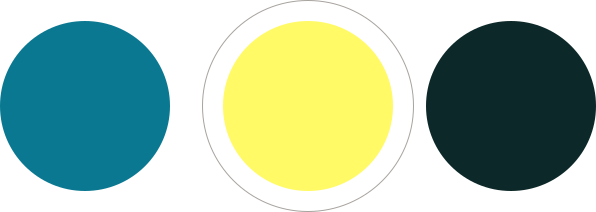
3 circles with the one in the middle having an extra stroked circle around it

Ensure readability in any mode

Dark Mode, with its light text on a dark background, is designed to improve the user experience in low-light settings. But if your colors break in Dark Mode, your email isn’t just hard to read — it’s off-brand, non-compliant, and doing more harm than good.
 
Don’t let a preventable rendering issue undo your campaign. Use our tool to instantly check your colors and guarantee readability every time.
  1. Input your color choice in RGB, HEX, or HSL code.
  2. Click Submit. 
  3. See how your brand colors appear in both Dark Mode and Light Mode for Apple users.

Bookmark this page to use the tool as often as you like. 

Dark Mode Color Checker

Enter your base color here

Color in light mode

Color in dark mode

Explore more Dark Mode resources.